New hires feel lost. Experienced staff fall behind on new tools. Managers explain the same things again and again.
Sound familiar?
A simple employee training program fixes all three. It gives everyone the same clear path, and it saves your managers hours every week.
Here's how to build one in 7 simple steps, even if you've never done it before.
Why Employee Training Matters
Training isn't a cost. It's one of the best investments a business can make.
- Better performance. People who know what to do make fewer mistakes.
- Faster onboarding. New hires get productive in weeks, not months.
- Higher engagement. Staff feel valued when you invest in their growth.
- Lower turnover. People stay where they can learn and move up.
- Up-to-date skills. Tools change fast. Training keeps your team current.
Large workplace studies, like LinkedIn's yearly Workplace Learning Report, keep finding the same thing. Employees are far more likely to stay at companies that help them learn.
Types of Employee Training
Before you build anything, it helps to know what kind of training you need. Most companies use a mix of these.
Onboarding
Helps new hires learn your company, their role, key tools and who to ask for help. Good onboarding makes a huge first impression.
Technical Skills
Teaches the software, machines or methods people use every day. This is where short screen videos shine.
Product Knowledge
Makes sure sales, support and marketing teams can explain your products clearly and answer common questions.
Compliance and Safety
Covers the rules your business must follow, like data privacy, workplace safety or industry regulations. Tracking completion matters a lot here.
Soft Skills
Communication, teamwork, customer service and time management. These are often best taught with role plays and live practice.
Leadership
Prepares new managers to give feedback, run meetings and support their teams. It's one of the best ways to keep rising stars.
The 7 Steps
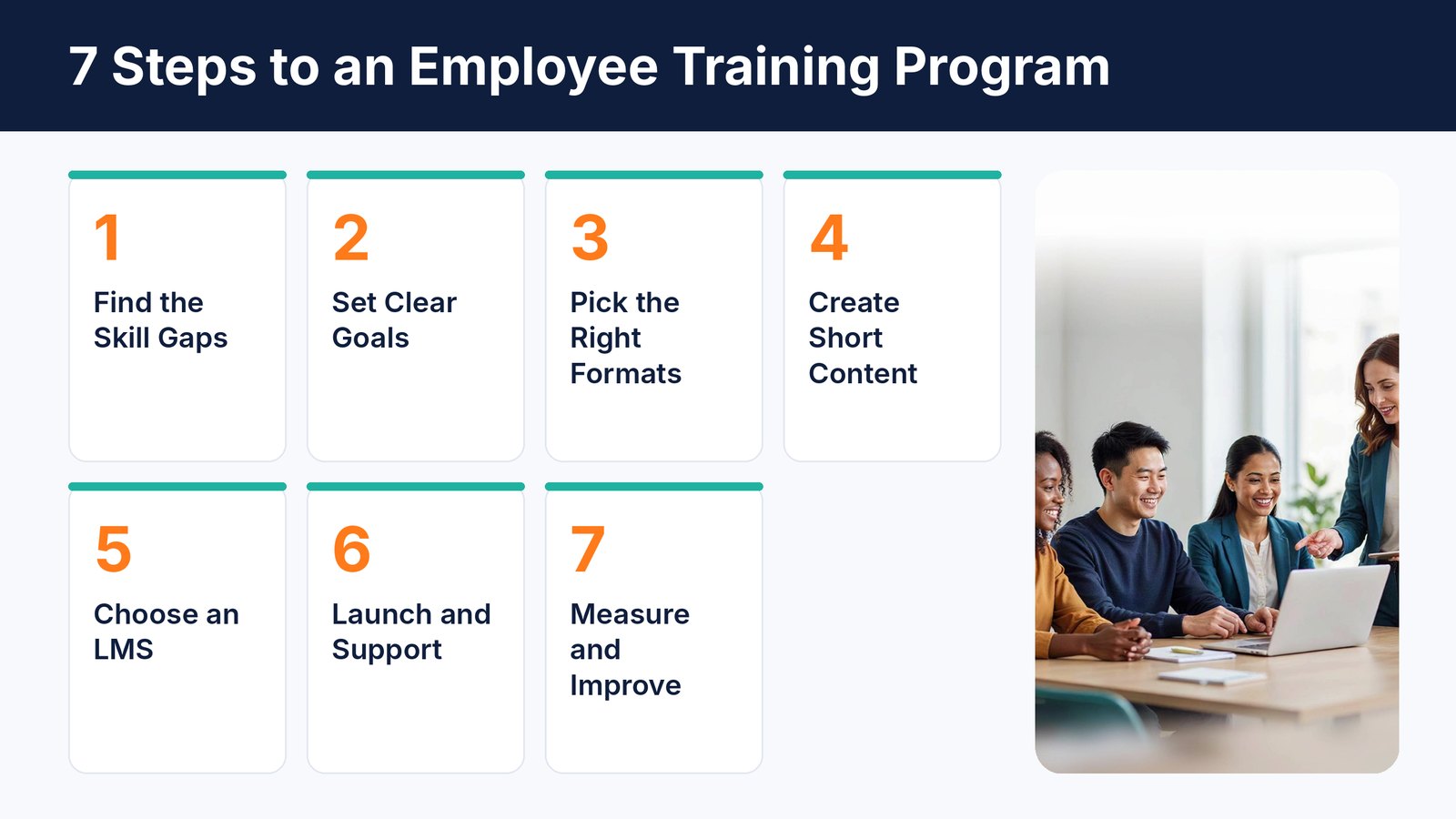
1. Find the Skill Gaps
Start by asking one question. What do people need to know that they don't know yet?
Talk to managers. Survey your team. Look at common mistakes, customer complaints and slow processes. Each one points to a gap.
Write the gaps down and rank them. Fix the ones that hurt your business most first.
2. Set Clear Goals
Every training program needs a finish line. What should change once people complete it?
Make goals specific and measurable. "New support agents can resolve common tickets on their own within two weeks." "Sales reps can demo the full product in 20 minutes."
Clear goals make it easy to know if your training is working.
3. Pick the Right Formats
Different skills need different ways of learning.
| Format | Works Best For |
|---|---|
| Short videos | Showing how tools and processes work |
| Live sessions | Questions, role plays and team discussion |
| Quizzes | Checking that key facts stuck |
| Checklists and guides | Step by step tasks people repeat |
| Mentoring | Soft skills and company culture |
| Hands-on practice | Anything people do with their hands or in software |
Most good programs blend a few. Online lessons for the basics, plus live time for practice and questions.
4. Create Simple, Short Content
You don't need a film crew. Your best people already know the material. Ask them to record short screen videos or write quick guides.
- Keep videos under 10 minutes
- Teach one task per lesson
- Use real examples from your business
- Add a short quiz at the end of each module
- Write in plain language, no jargon
Short lessons fit into a busy workday. People actually finish them.
5. Choose a Training Platform
Emailing PDFs and video links gets messy fast. A learning management system, or LMS, keeps everything in one place.
Look for a platform that lets you organise courses, track progress, run quizzes and issue certificates. If you also sell courses to customers or partners, pick one that can do both.
We compare five good options further down.
6. Launch and Support Your People
Announce the program clearly. Explain why it matters, how long it takes and when it's due.
Give people protected time to learn. Training squeezed into lunch breaks rarely works.
Make it easy to ask questions. Comments under lessons, a team chat channel or a weekly drop-in call all help.
7. Measure and Improve
Track completion rates and quiz scores. Then look at the real goal. Are tickets resolved faster? Are fewer mistakes being made?
Ask learners for feedback after each course. Which lessons were confusing? What's missing?
Update the training every few months. A program that improves keeps people engaged.
A Simple 30-Day Onboarding Plan
Need a starting point? Here's a simple onboarding plan you can adapt to almost any role.
| When | Focus | Example Activities |
|---|---|---|
| Day 1 | Welcome | Meet the team, set up accounts, company story video |
| Week 1 | The basics | Short lessons on tools, processes and policies, with quizzes |
| Week 2 | Shadowing | Watch a teammate work, then try small tasks with help |
| Week 3 | Doing | Handle real work with a mentor checking in daily |
| Week 4 | Review | Final quiz, feedback chat with manager, set 90-day goals |
Put the lessons in your LMS so every new hire gets the same great start, and managers don't have to repeat themselves.
How to Get Managers on Board
Training only works when managers support it. Here's how to bring them in.
- Show how training saves them time on repeat questions
- Ask them to help pick what gets taught
- Let their best people record lessons and get credit for it
- Share progress reports so they see results
When managers talk about training in team meetings, completion rates go up fast.
Best Tools for Employee Training
Here are five platforms that make employee training easier, from budget friendly to enterprise.
1. [CourseFunnels](https://getcoursefunnels.com)
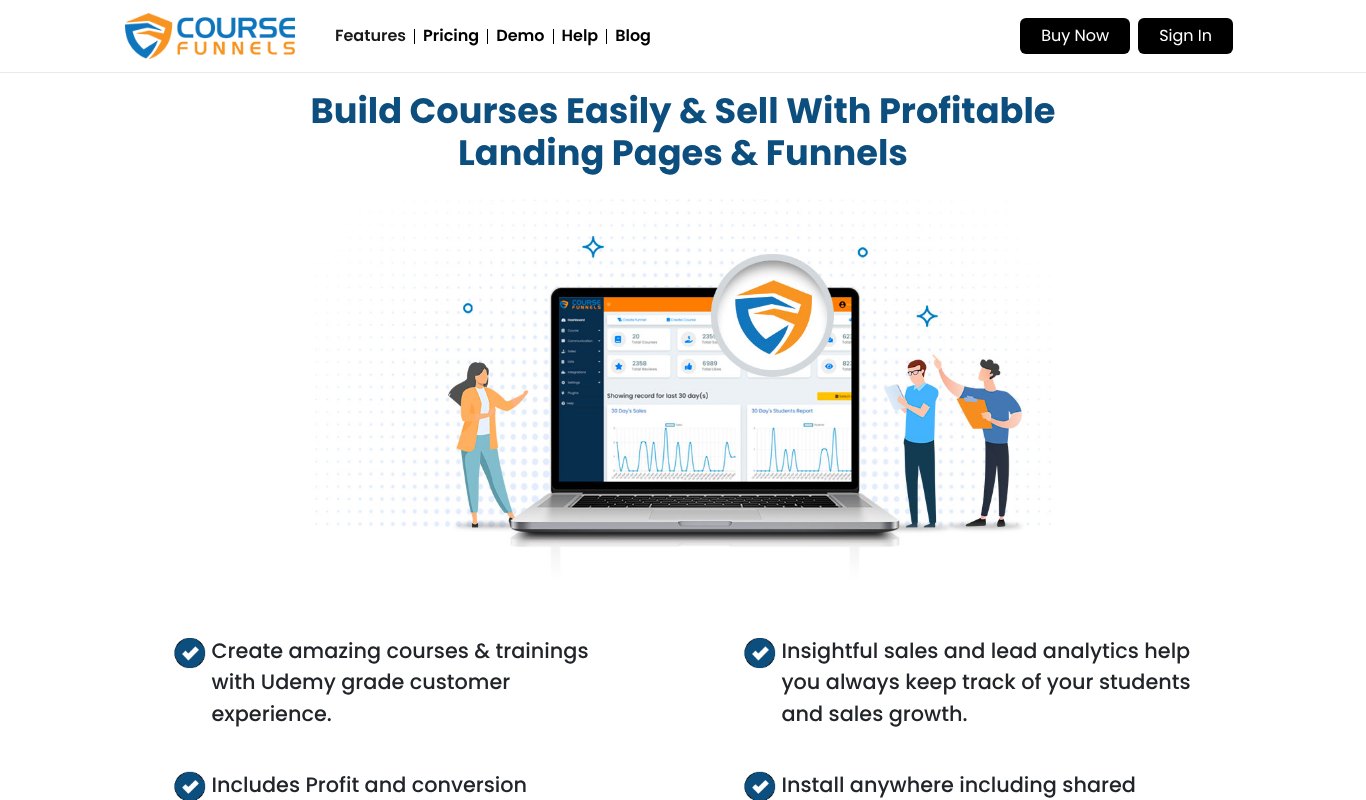
Full disclosure, CourseFunnels is our own product, made by Teknikforce.
CourseFunnels installs on your own hosting, so your training content and staff data stay on your server. There are no per-user fees, which makes it very affordable as your team grows.
You can build courses with videos, quizzes, assignments, PDFs and slides, issue automatic certificates, and let learners comment and ask questions. The interface works in 17 languages, which helps teams in different countries.
And if you also want to sell courses to customers, the sales pages and email marketing are already built in.
Best for Small and mid-sized businesses that want low cost training they fully own.
Pricing $5.58 a month, paid yearly ($67 a year), with no per-user fees.
2. [TalentLMS](https://www.talentlms.com)
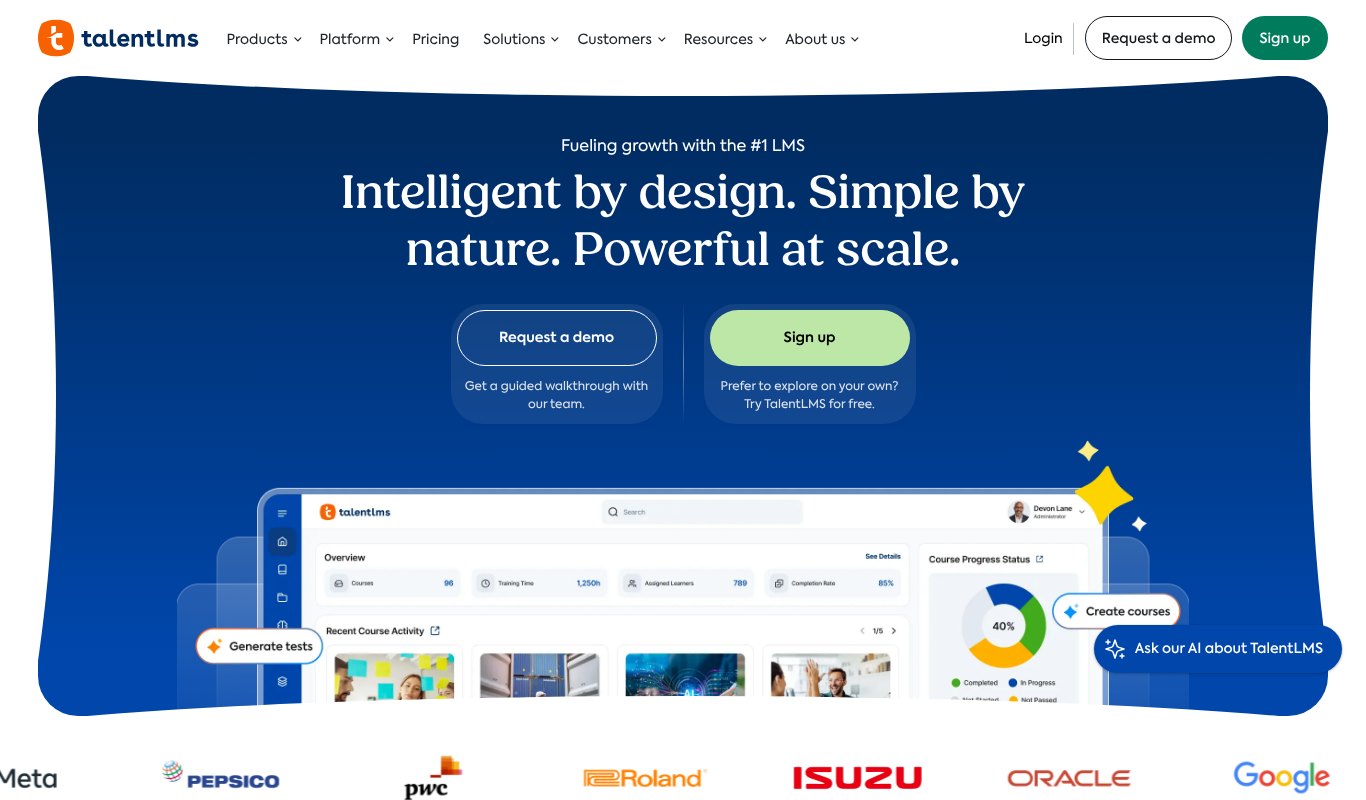
TalentLMS is a cloud LMS built for business training. It's known for quick setup, gamification and a large library of ready-made courses.
Best for Teams that want a hosted platform with ready-made content.
Pricing Free plan available. Paid plans start at $119 a month, billed yearly, for up to 40 users.
3. [iSpring LMS](https://www.ispringsolutions.com/ispring-learn)
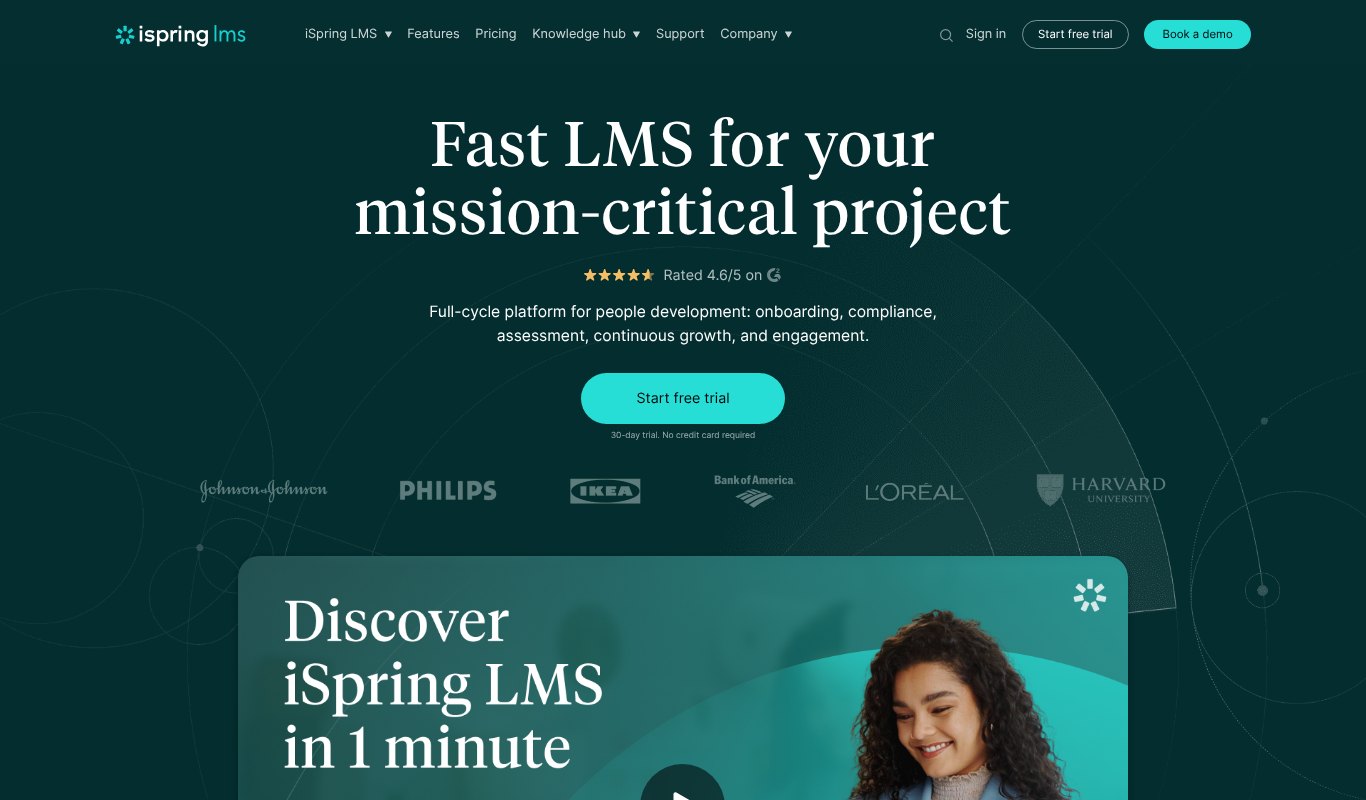
iSpring LMS is a fast corporate LMS that pairs nicely with iSpring's course authoring tools. It's strong on onboarding, compliance and reporting.
Best for Mid-sized companies with formal training needs.
Pricing Priced per user, from about $3.97 to $6.91 a user each month, billed yearly.
4. [Moodle](https://moodle.com)
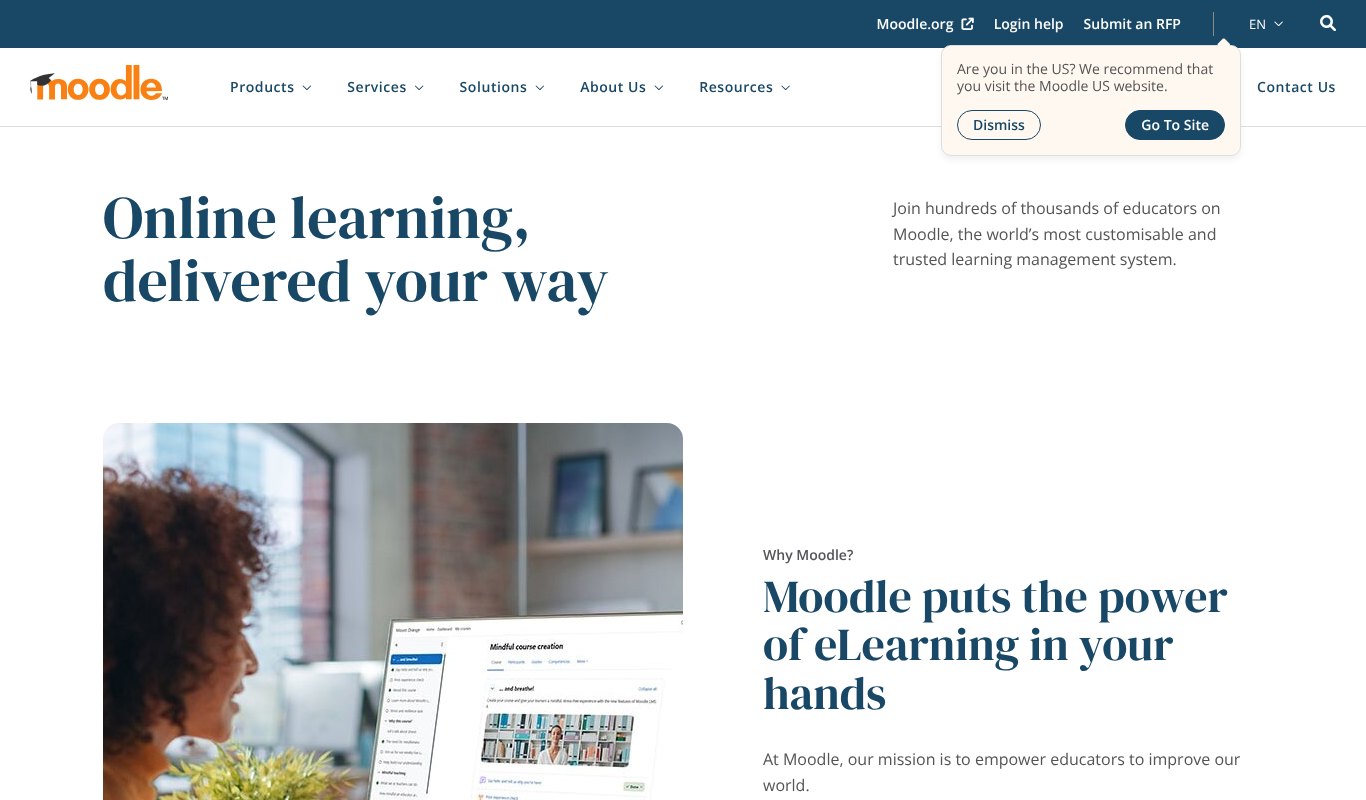
Moodle is free, open source and endlessly flexible. With the right setup it can run any kind of training program.
Best for Organisations with technical staff who want a free, customisable LMS.
Pricing Free to download. You pay for hosting and setup help.
5. [Docebo](https://www.docebo.com)
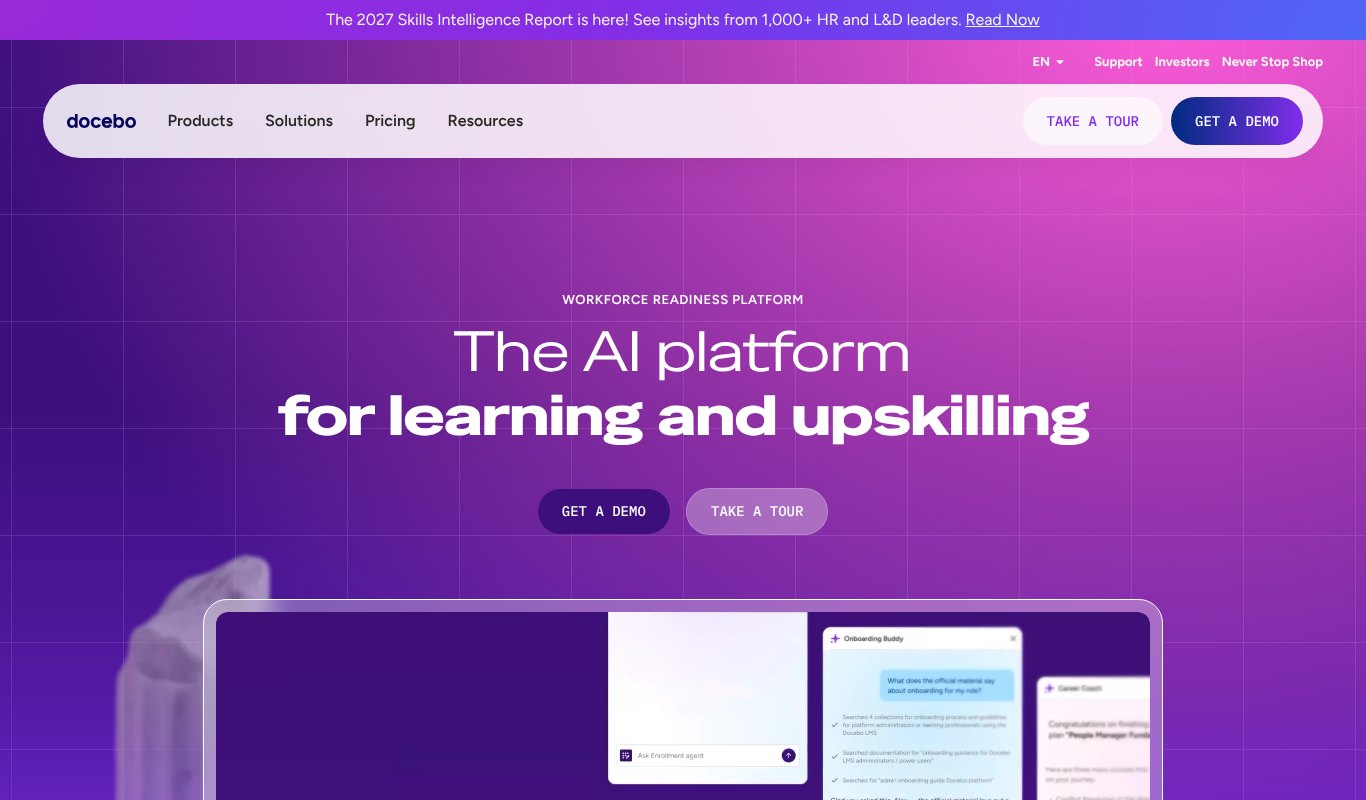
Docebo is an enterprise learning platform with AI features, deep integrations and training for employees, partners and customers.
Best for Large companies with big training budgets.
Pricing Custom quotes only.
Quick Comparison
| Tool | Hosting | Starting Price |
|---|---|---|
| CourseFunnels | Your own server | $5.58 a month, paid yearly |
| TalentLMS | Cloud | Free, paid from $119 a month |
| iSpring LMS | Cloud | From about $3.97 per user a month |
| Moodle | Your own server | Free |
| Docebo | Cloud | Custom quote |
How to Make Training Stick
People forget most of what they learn within days, unless they use it. These simple habits help training stick.
- Practice right away. Give a real task to do straight after each lesson.
- Space it out. Short lessons over several weeks beat one long training day.
- Quick refreshers. Send a two-minute recap video or quiz a week later.
- Learn from peers. Pair people with a buddy who already knows the job.
- Keep resources handy. Checklists and short how-to videos people can find when they need them.
Training that people return to again and again is training that works.
How Much Should Training Cost?
Training doesn't have to be expensive. The biggest costs are usually time and software.
Recording lessons with your own team costs very little. Software ranges from free open source tools to enterprise platforms that cost thousands each year. Per-user pricing can grow fast as your team grows, so check the price for your headcount a year from now, not just today.
A self-hosted platform with no per-user fees, like CourseFunnels, keeps costs flat however many people you train.
Training Remote and Hybrid Teams
Remote teams need training just as much as office teams, maybe more. Without a hallway to ask questions in, people can feel stuck.
Keep lessons online and self-paced so people in any time zone can learn. Add short live video sessions for questions. Record those sessions for anyone who missed them. And make sure your platform works well on phones.
Common Mistakes to Avoid
- Training everyone on everything. Focus on the skills each role really needs.
- One long video. Break content into short lessons.
- No follow up. Without practice and check-ins, people forget most of what they learn.
- Never updating. Old training teaches old ways. Review it every few months.
- No time to learn. If training isn't in the schedule, it won't happen.
Final Thoughts
A great training program doesn't need to be big or fancy. Find the gaps, set clear goals, keep lessons short, use a simple platform and keep improving.
Start with one course for one role. Get it right, then build the next.
If you want an affordable platform you fully own, with no per-user fees, take a look at CourseFunnels.
FAQs About Employee Training Programs
How long should an employee training program be?
It depends on the role. Onboarding often runs two to four weeks. Skill courses work best as short modules people finish in a few hours.
How do I measure if training is working?
Track completion and quiz scores, then look at real results like fewer mistakes, faster work and better customer feedback.
What is the cheapest way to run employee training?
Record lessons with your own team and host them on a low cost LMS. CourseFunnels costs $67 a year with no per-user fees, and Moodle is free if you can set it up yourself.
Should training be online or in person?
Usually both. Online lessons cover the basics at each person's pace. Live sessions are best for practice, questions and team skills.
Who should create the training content?
Your best people in each role. They know the real work. Give them a simple lesson template and time in their schedule to record.
How often should we update training?
Review it every three to six months, and right away when a tool or process changes.
Can small businesses benefit from a training program?
Absolutely. Small teams feel every mistake and every departure. Even a few short recorded lessons for each role can save hours each week and help new people settle in faster.
What should a training course include?
A clear goal, short lessons, real examples, a quick quiz or practice task for each module, and a simple way to ask questions. A certificate at the end is a nice touch.
Do I need an LMS for employee training?
Not on day one, but it helps a lot as you grow. An LMS keeps every course in one place, tracks who finished what and saves your managers from chasing people.
How do I get employees to finish training?
Keep lessons short, give people time in their schedule, set clear due dates and have managers check in. Small rewards and certificates help too.