
Hosted course platforms are easy. Until the bill arrives.
Monthly fees, student limits and a cut of every sale add up fast. And if the platform changes its rules, your whole business moves with it.
A self-hosted LMS fixes that. You install it on your own server or hosting, and you own everything. Your courses, your students, your data.
Here are the 11 best self-hosted LMS platforms for 2026, compared in plain English.
What Is a Self-Hosted LMS?
LMS stands for learning management system. It's the software that delivers courses, tracks progress and runs quizzes.
Self-hosted means you run it on your own web hosting instead of a company's cloud. You install it once, and it lives on your domain.
Why Go Self-Hosted?
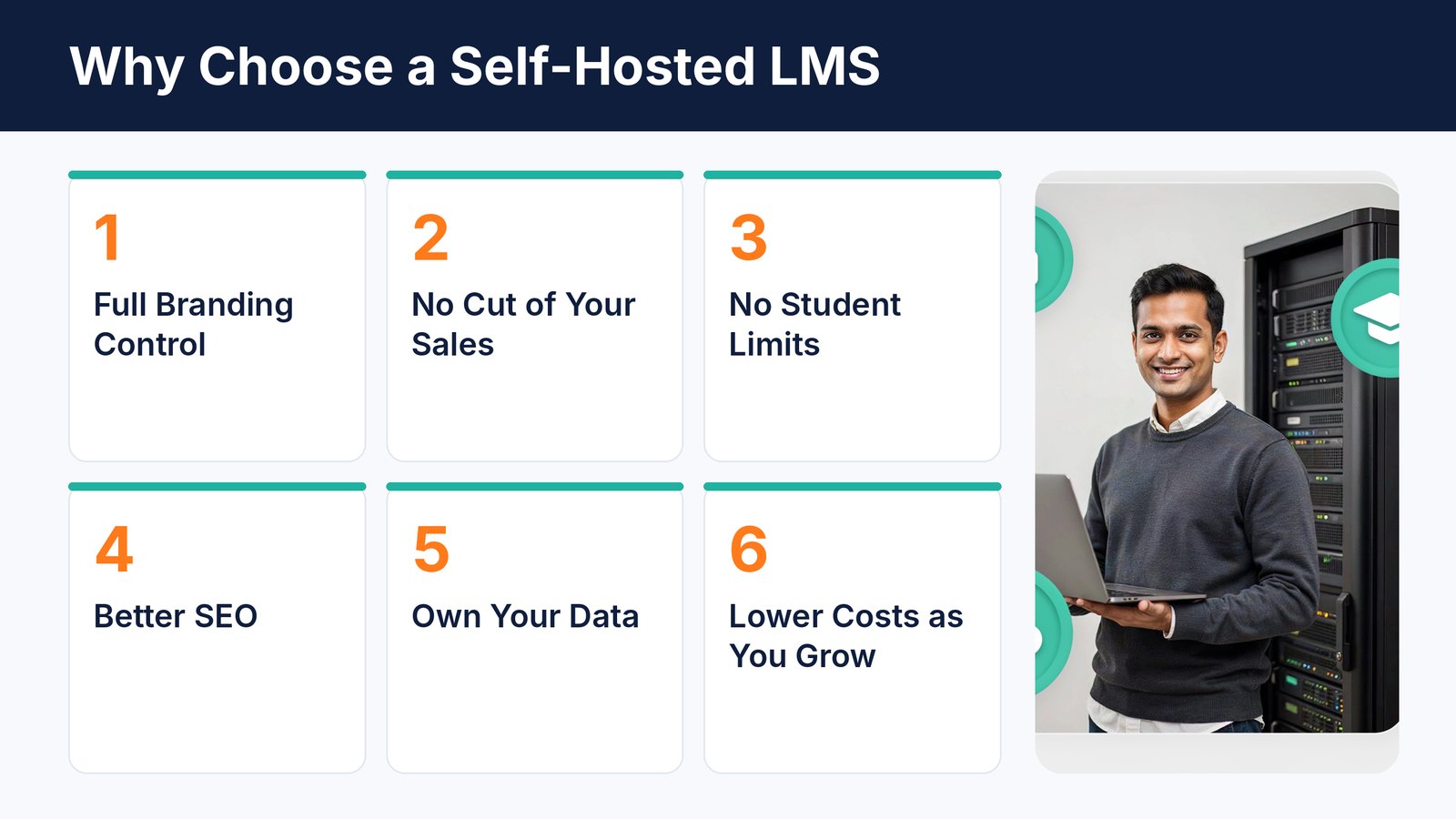
- Full branding control. Your domain, your design, no platform logos.
- No cut of your sales. Payments go straight to you.
- No student limits. Grow without your bill jumping.
- Better SEO. Course pages live on your own site and build its authority.
- Own your data. Student lists and progress stay on your server.
- Lower costs as you grow. Hosting stays cheap even with thousands of students.
The trade-off? You handle the install and updates. With the right tool, that takes minutes, not days.
What to Look For
- Course builder. Videos, quizzes, assignments and files without code.
- Selling tools. Checkout, payment gateways, coupons and memberships.
- Marketing. Sales pages, email and affiliates, built in or as add-ons.
- Reports. Enrollments, progress, completion and revenue.
- Easy setup. One-click install and clear updates.
Quick Comparison
| Platform | Best For | Price |
|---|---|---|
| CourseFunnels | Selling courses with built-in marketing | $5.58 a month, paid yearly |
| LearnDash | Advanced WordPress courses | About $350 a year |
| LifterLMS | Memberships and coaching on WordPress | Free core, bundles from $199 a year |
| Tutor LMS | A friendly WordPress course site | Free, Pro from $199 a year |
| MasterStudy LMS | Ready-made course website designs | Free, Pro from $99 a year |
| Moodle | Schools and big training programs | Free, open source |
| Open edX | Large MOOCs and universities | Free, open source |
| Canvas LMS | Academic teams with tech help | Free, open source |
| Chamilo | Simple, light open source learning | Free, open source |
| ILIAS | Compliance and structured training | Free, open source |
| Sensei LMS | Simple WordPress courses | Free, paid from $60 a year |
1. CourseFunnels
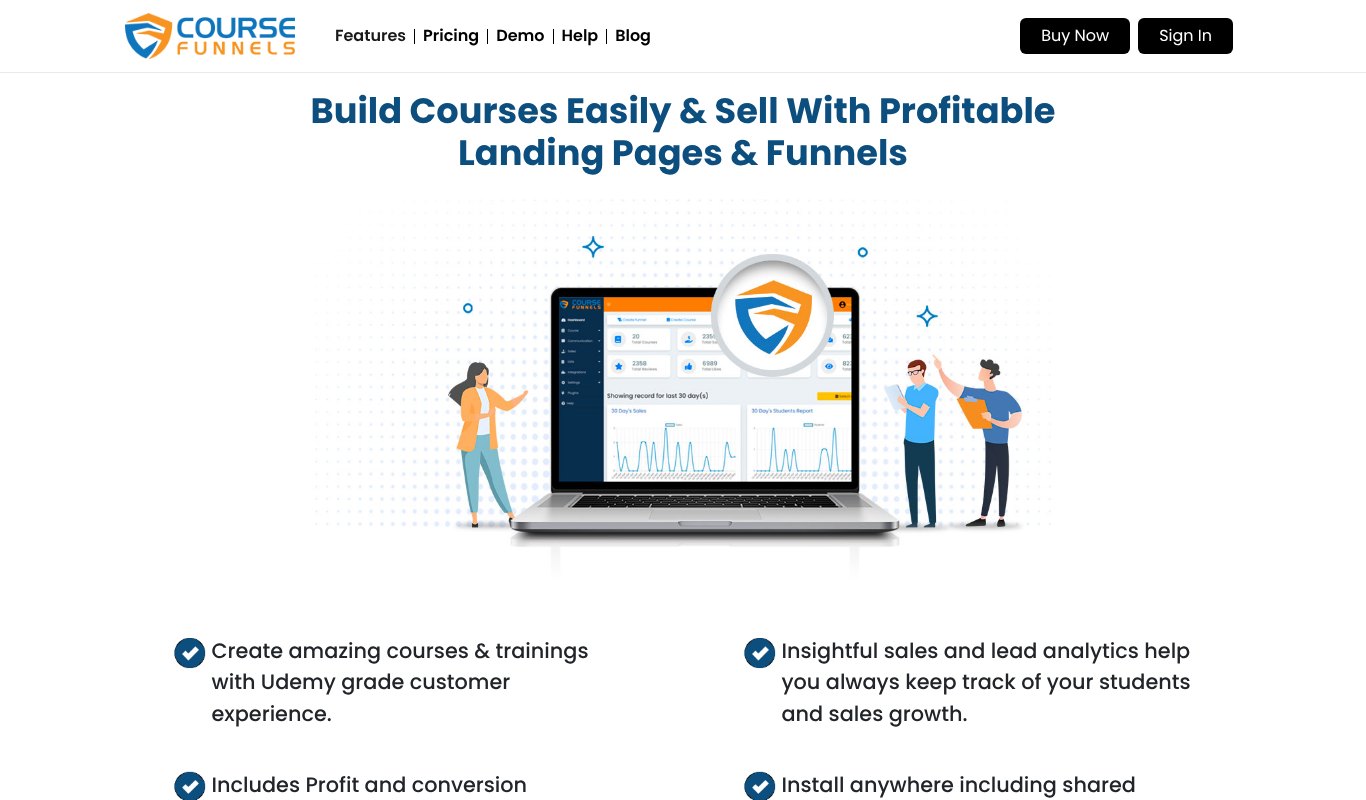
Full disclosure, CourseFunnels is our own product, made by Teknikforce.
Most self-hosted LMS tools stop at teaching. CourseFunnels is built to help you sell too. It combines a course builder, a drag and drop landing page builder and a built-in autoresponder in one installable app.
Create courses with videos, quizzes, assignments, PDFs and slides. Add videos from your own uploads, YouTube, Vimeo or Wistia. Students get comments, reviews, questions and automatic certificates.
Then sell with ready-made sales templates, A/B testing, affiliate management and every popular payment system. It installs anywhere, including shared hosting, a VPS or the cloud, and runs in 17 languages.
Pros
- LMS, sales funnels and email marketing in one tool
- No WordPress needed, installs on any hosting
- No revenue share and no student limits
- A/B testing, affiliates and Zapier built in
- GDPR tools, caching and fast mobile pages
Cons
- You need your own hosting and domain
- Built for selling courses more than school-style grading
Pricing Elite is $5.58 a month, paid yearly ($67 a year). Pro is $97 a year. Month to month plans start at $6.99.
Why It's the Best Value
With WordPress tools you often pay for the LMS, then extra for sales pages, email and payments. CourseFunnels includes all of that for $67 a year.
2. LearnDash
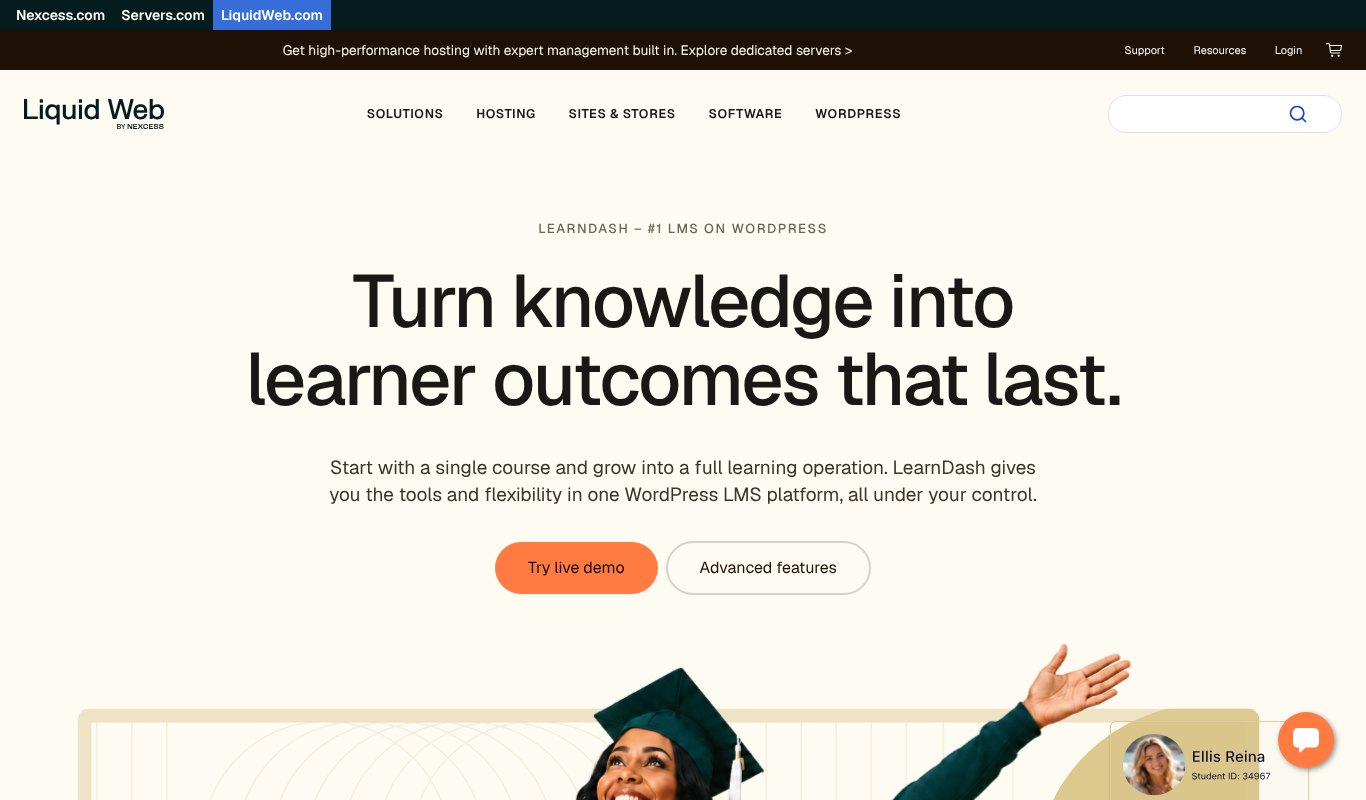
LearnDash is the most famous WordPress LMS plugin. Universities, companies and creators use it for its advanced quizzes, drip content and focus mode.
It's now sold as a bundle with Give, The Events Calendar and the Kadence theme.
Pros
- Advanced quiz builder
- Drip content and prerequisites
- Huge add-on ecosystem
Cons
- No free version
- Needs extra plugins for selling and email
- Yearly renewal
Pricing About $350 a year for one site.
3. LifterLMS
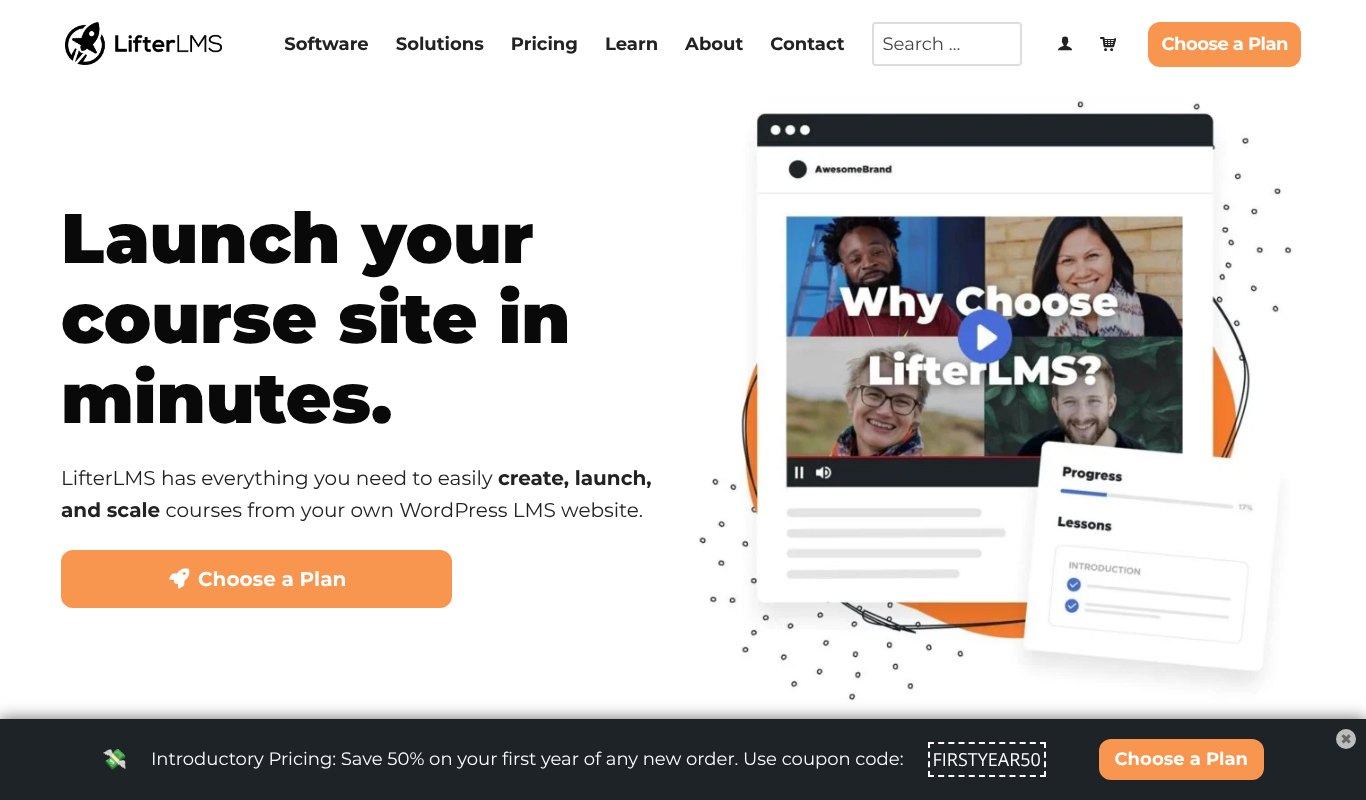
LifterLMS focuses on memberships, coaching and engagement. The core plugin is free and lets you build unlimited courses.
Paid add-ons bring in gamification, email automation and more payment options.
Pros
- Free core plugin
- Strong membership features
- Badges and engagement triggers
Cons
- Many features are paid add-ons
- Needs WordPress skills
- Can slow down on big sites without tuning
Pricing Free core plugin. Paid bundles start at $199 a year.
4. Tutor LMS
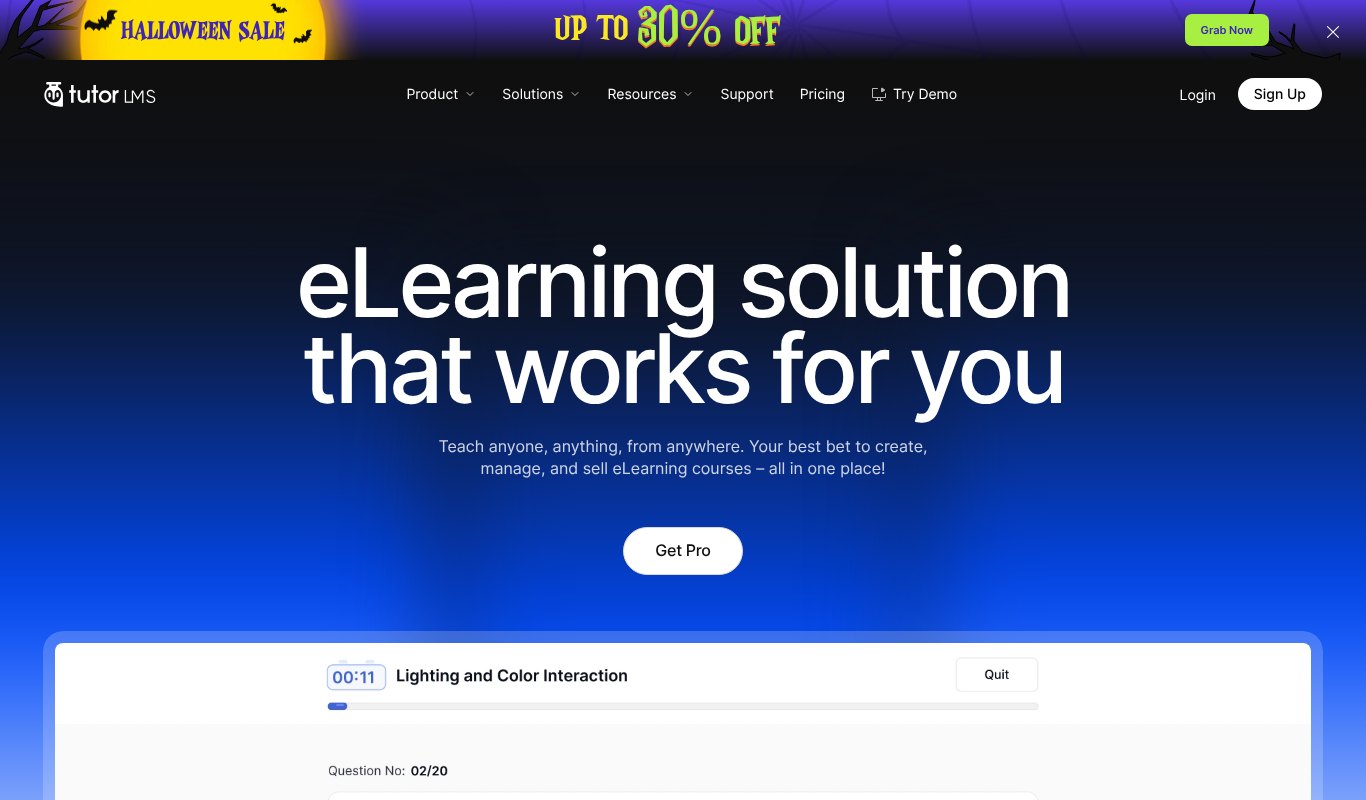
Tutor LMS is a friendly WordPress plugin with a clean front-end course builder. Instructors can build courses without touching the WordPress dashboard.
Pros
- Generous free version
- Easy drag and drop builder
- Multi-instructor support
Cons
- Best features need Pro
- Theme conflicts can happen
- Selling relies on WooCommerce or add-ons
Pricing Free version available. Pro starts at $199 a year for one site.
5. MasterStudy LMS
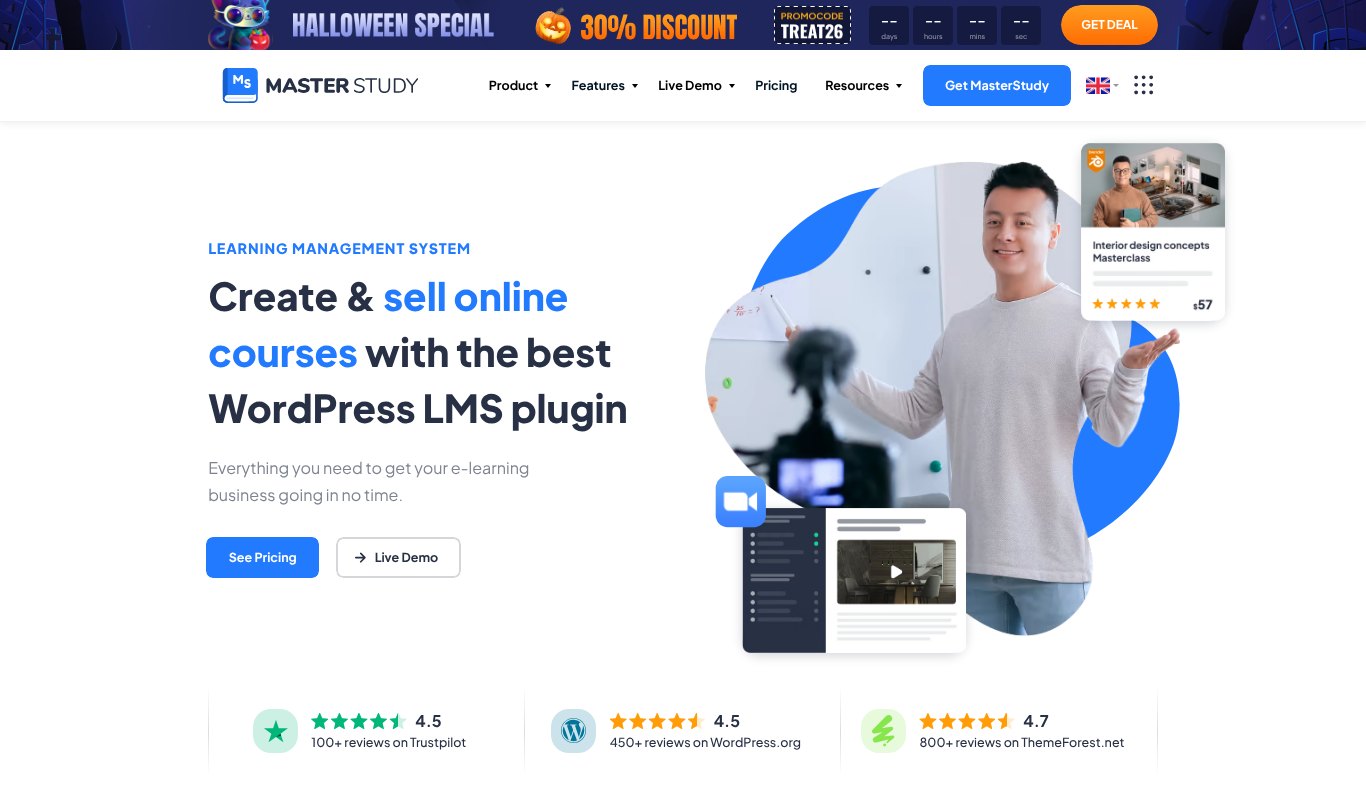
MasterStudy pairs a WordPress LMS plugin with ready-made course website designs. It's a quick way to get a good-looking course site live.
Pros
- Free plugin with pre-built site designs
- Zoom live classes
- Affordable Pro plan
Cons
- Advanced add-ons need Pro
- Design can feel template-heavy
- Needs WordPress upkeep
Pricing Free plugin. Pro starts at $99 a year and is often on sale.
6. Moodle
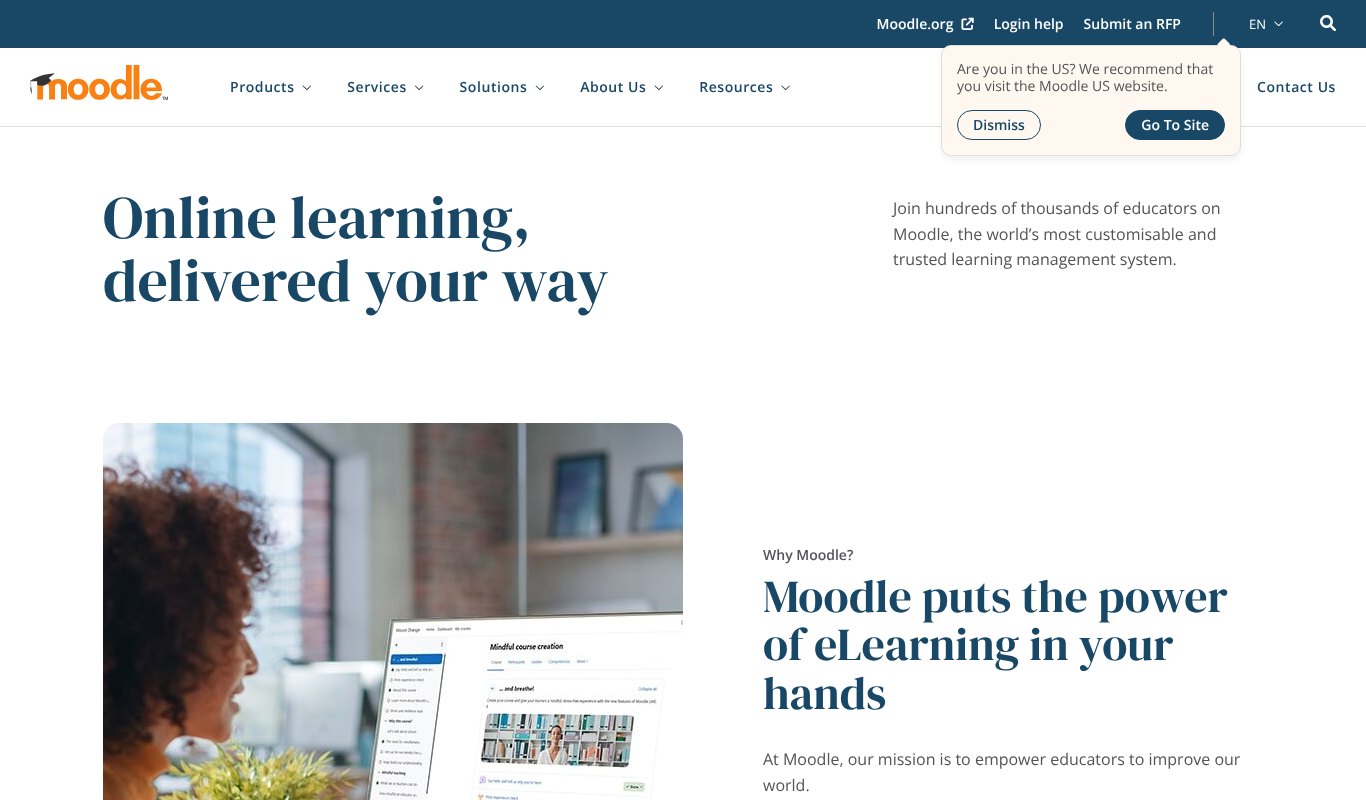
Moodle is the world's best-known open source LMS. Schools, universities and governments use it for everything from small classes to huge programs.
It can do almost anything. The catch is that setting it up well takes time or a technical partner.
Pros
- Free and open source
- Massive plugin library
- Strong grading and reporting
Cons
- Dated look out of the box
- Steep learning curve
- Not built for selling courses
Pricing Free to download. You pay only for hosting and any help you hire.
7. Open edX

Open edX powers some of the biggest online course sites in the world. It's built for large MOOCs, certificates and structured cohort learning.
Pros
- Scales to huge audiences
- Powerful course authoring studio
- Free and open source
Cons
- Complex to install and run
- Needs a strong server
- Overkill for small creators
Pricing Free to download. Hosting and setup are your costs.
8. Canvas LMS
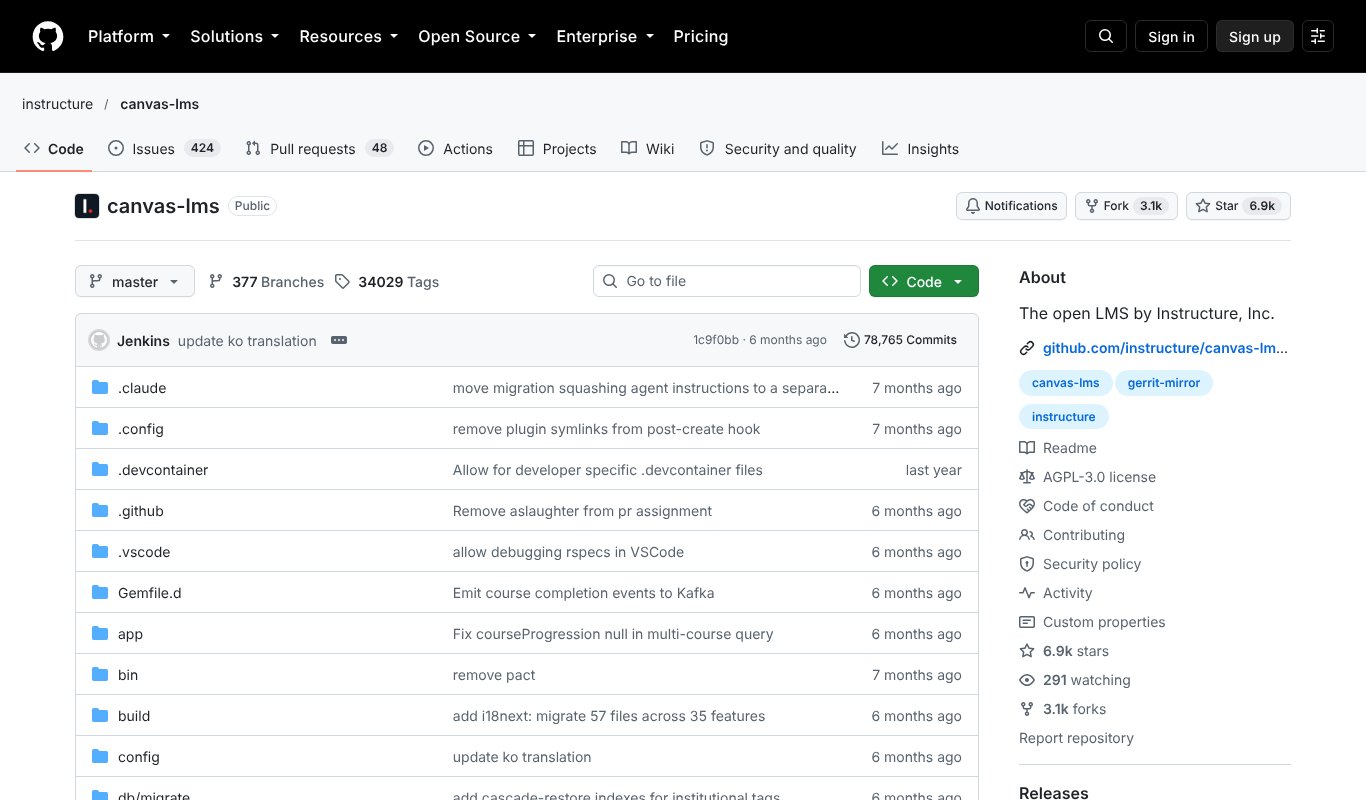
Canvas is a popular LMS in schools and universities. Its maker, Instructure, sells a hosted version, but the core code is open source and you can run it yourself.
Pros
- Modern, clean teaching tools
- Strong grading and course structure
- Free open source code
Cons
- Self-hosting needs real technical skill
- Built for academic use, not selling
- Community support only on the free version
Pricing Free to self-host. Instructure's hosted plans are quote based.
9. Chamilo
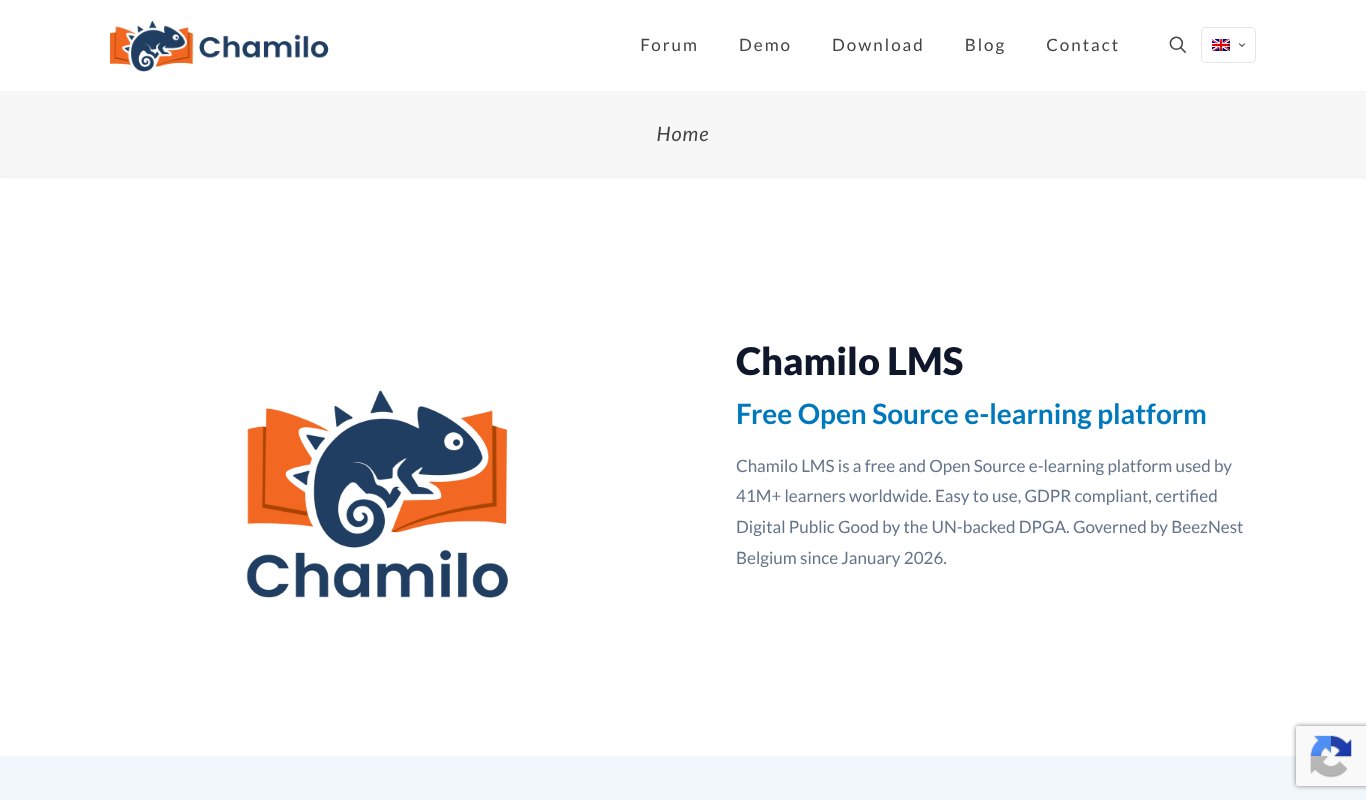
Chamilo is a light, simple open source LMS. It's easy on servers and easy for learners, which makes it popular with schools and NGOs.
Pros
- Simple and lightweight
- Free and open source
- Good for courses and exams
Cons
- Basic design
- Smaller plugin library
- Few selling tools
Pricing Free to download.
10. ILIAS
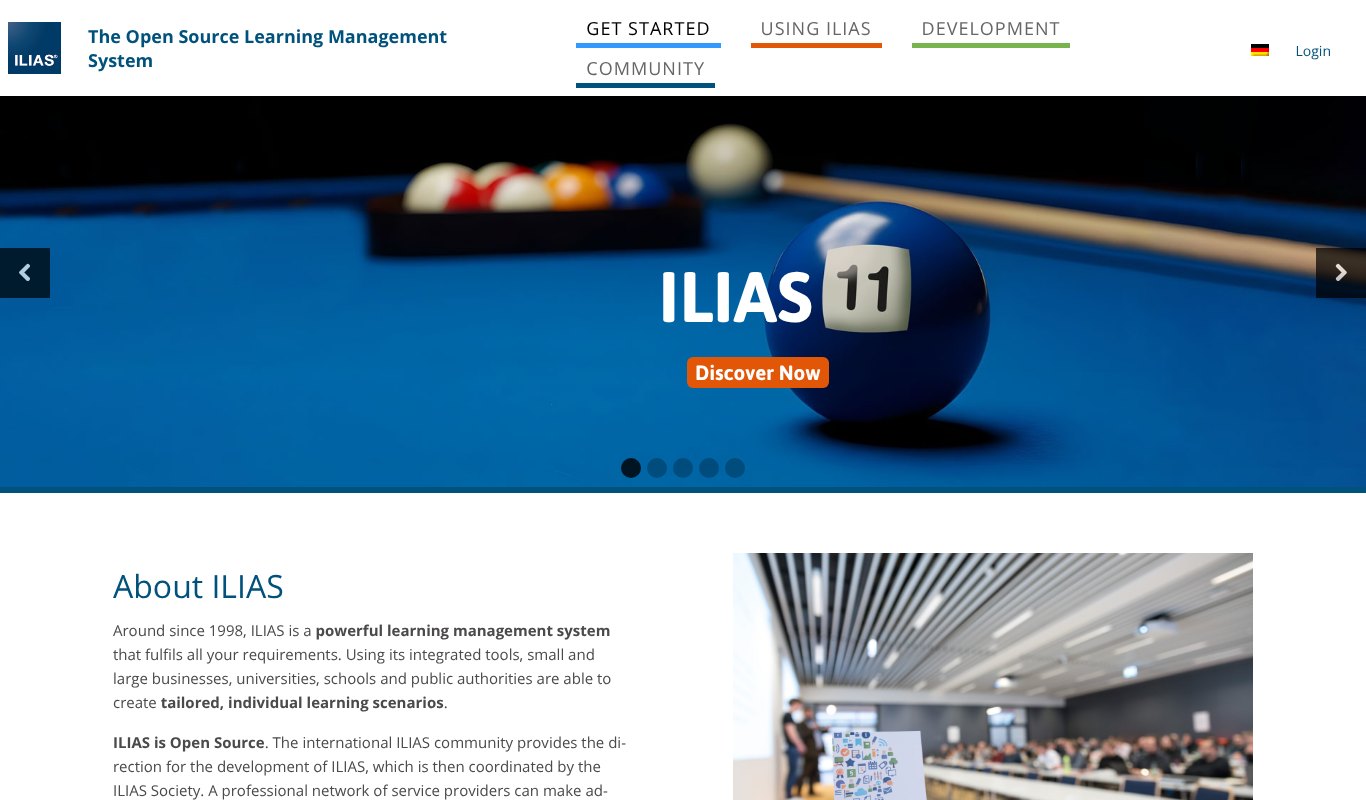
ILIAS is a mature open source LMS from Germany. It's strong on tests, compliance training and detailed tracking, and it's used by universities and large companies.
Pros
- Powerful test and survey tools
- Detailed learner tracking
- Free and open source
Cons
- Complex admin area
- Old-fashioned look
- Not made for selling courses
Pricing Free to download.
11. Sensei LMS
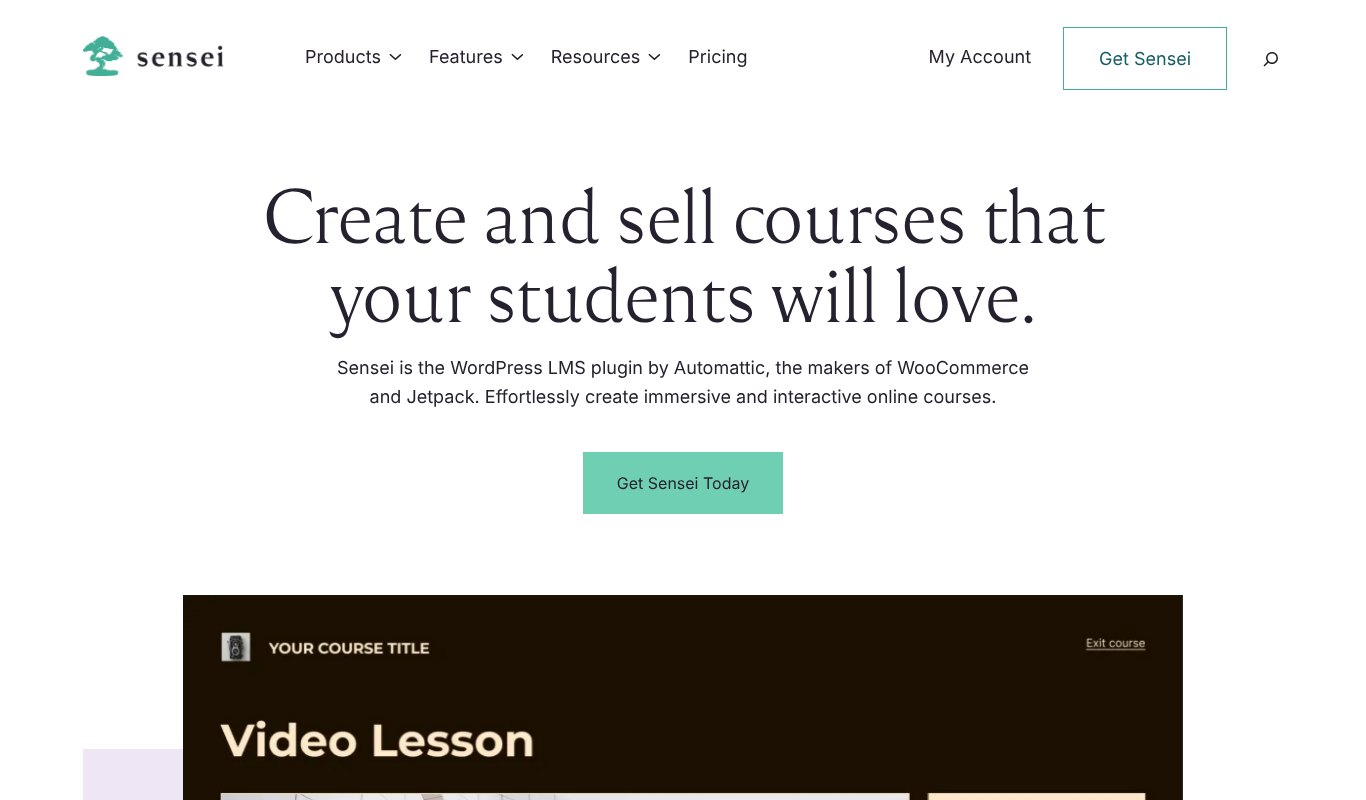
Sensei LMS is a WordPress course plugin from Automattic, the company behind WordPress.com and WooCommerce. It focuses on clean, distraction-free lessons and works neatly with WooCommerce for selling.
Pros
- Free version for unlimited free courses
- Clean learning mode for students
- Made by the team behind WooCommerce
Cons
- Selling courses needs a paid plan
- Fewer add-ons than LearnDash
- Needs WordPress upkeep
Pricing Free version available. Paid plans start at $60 a year.
Self-Hosted vs Hosted LMS
| Self-Hosted LMS | Hosted LMS | |
|---|---|---|
| Who runs the server | You, on your own hosting | The platform company |
| Monthly fees | Low or none | Usually $30 to $500 a month |
| Student limits | None | Often tied to your plan |
| Share of your sales | None | Some plans take a cut |
| Branding | Fully yours | Limited on cheaper plans |
| Setup | Install once | Sign up and go |
| Updates and backups | Your job, or your host's | Handled for you |
Hosted is quicker on day one. Self-hosted is cheaper and freer on every day after that.
What You Need to Run a Self-Hosted LMS
Don't let the word "server" scare you. For most creators, the setup is simple.
- A domain name. Something like yourschool.com, usually about $10 to $20 a year.
- Web hosting. Shared hosting is fine to start. Move to a VPS when you have lots of students.
- An SSL certificate. Most hosts include one free. It keeps logins and payments secure.
- Video hosting. Upload videos directly, or use YouTube, Vimeo or Wistia to keep your server light.
- Backups. Turn on automatic daily backups with your host.
Many web hosts offer one-click installs, and CourseFunnels has a simple one-click installer too.
Tips to Keep It Fast and Safe
- Keep the LMS and any plugins updated
- Use strong passwords and two-factor login for admins
- Turn on caching to speed up pages
- Host big videos on a video platform, not your web server
- Test your backups now and then by restoring one
Do these few things and your self-hosted LMS will run smoothly for years.
How to Make Money With a Self-Hosted LMS
Owning your platform opens up more ways to earn.
- Direct course sales. Sell each course for a one-time price and keep it all.
- Bundles and upsells. Offer related courses together, or add coaching at checkout.
- Memberships. Charge monthly for access to a growing library.
- Team licences. Sell seats to companies that want to train staff.
- Affiliates. Let partners promote your courses for a commission.
CourseFunnels handles all of these out of the box, with sales funnels, an email autoresponder and affiliate tracking built in.
When Self-Hosting Isn't Right
Self-hosting isn't for everyone. A hosted platform may suit you better if you never want to think about hosting, updates or backups, or if you only plan to run one small course for a short time.
But if you plan to grow, sell several courses or train a lot of people, the savings and freedom of self-hosting add up quickly.
Which One Should You Pick?
- You want to sell courses and grow fast. CourseFunnels.
- You love WordPress. LearnDash, LifterLMS, Tutor LMS, MasterStudy or Sensei.
- You run a school or a big program. Moodle, Canvas or Open edX.
- You need simple, free training. Chamilo or ILIAS.
Not sure yet? Install one option on a test subdomain, build a single lesson and go through it as a student. An hour of testing tells you more than any review.
Pay attention to how easy it is to add content, how the course looks on a phone and how simple it is for a student to pay.
Final Thoughts
A self-hosted LMS gives you freedom. No platform fees, no student caps and no one else's rules.
If you want a self-hosted platform that also brings in sales, try CourseFunnels. The course builder, sales pages and email marketing are all in one place for $5.58 a month, paid yearly.
FAQs About Self-Hosted LMS Platforms
Is a self-hosted LMS hard to set up?
Not always. Tools like CourseFunnels and WordPress plugins install in minutes. Big open source systems like Open edX and Canvas need more technical skill.
What is the best free self-hosted LMS?
Moodle is the most popular free option. Chamilo is simpler and lighter. For WordPress, Tutor LMS and LifterLMS have good free versions.
Do I still pay anything with a self-hosted LMS?
You pay for web hosting, and for the software if it isn't free. There are no per-student fees and no share of your sales.
Can I sell courses with a self-hosted LMS?
Yes. CourseFunnels has selling built in. WordPress plugins usually connect to WooCommerce or similar tools. Academic systems like Moodle are better for teaching than selling.
Can a self-hosted LMS handle thousands of students?
Yes. Start on shared hosting and move to a VPS or cloud server as you grow. Hosting videos on YouTube, Vimeo or Wistia keeps your server fast.
Is a self-hosted LMS secure?
It can be very secure if you keep software updated, use SSL, set strong admin passwords and take regular backups.
Can I move from a hosted platform to a self-hosted LMS?
Yes. Export your student list and download your videos and files, then rebuild the courses in your new LMS. Let students know the new login link by email.